Appearance
Add new user
Adding users manually allows administrators to control who has access to applications.
- Navigate to users listing.
- Click Add User.

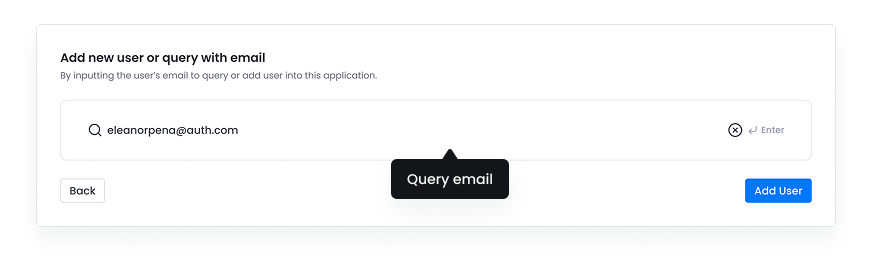
- Query email to know the email is already existed in the system or not.
- This is the new user email query scenario.
- Fill user info
- Can not edit email here, it has to query again if you want to change the email.

- Choose Login user type such as internal or external.
- The rules of login user type will be showing.

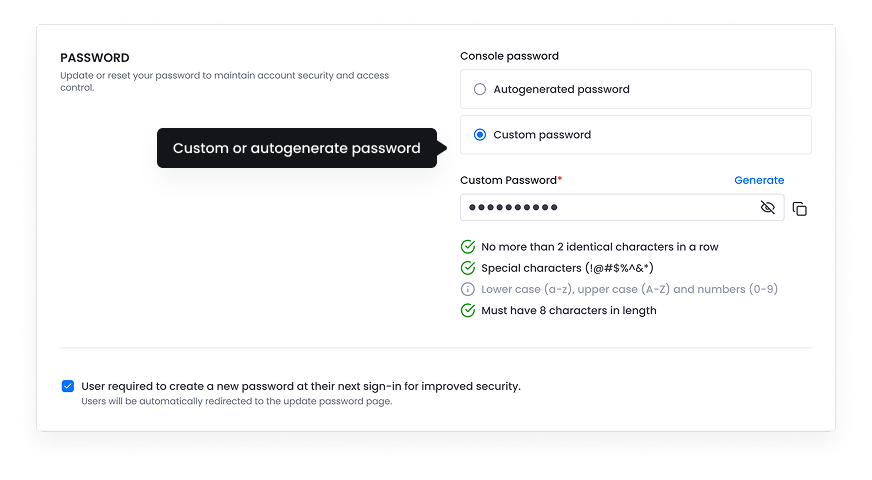
- Choose password.
- Choose autogenerated password or custom
- Tick/untick for required to change new password at next sign-in.