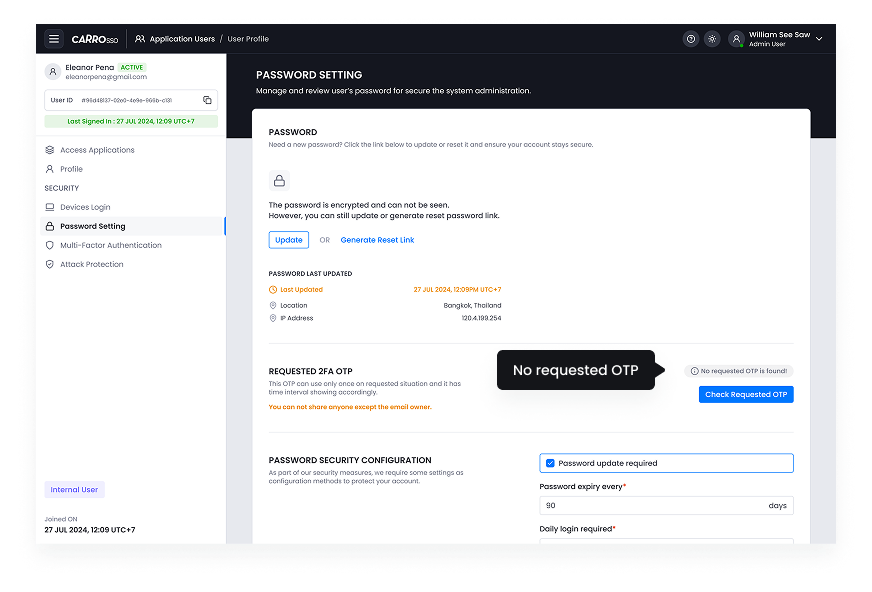
Appearance
Check requested OTP
One-Time Passwords (OTP) provide an additional layer of security during authentication. Users may request OTPs for various actions, including login, account recovery, and transaction verification.
- Navigate to Password Setting.
- Search for the user’s request using their email or phone number.
- Check the OTP status (valid, expired, or failed attempt).
- If necessary, reissue or revoke an OTP.
Monitoring OTP requests helps prevent unauthorized access attempts and ensures users receive secure authentication support.
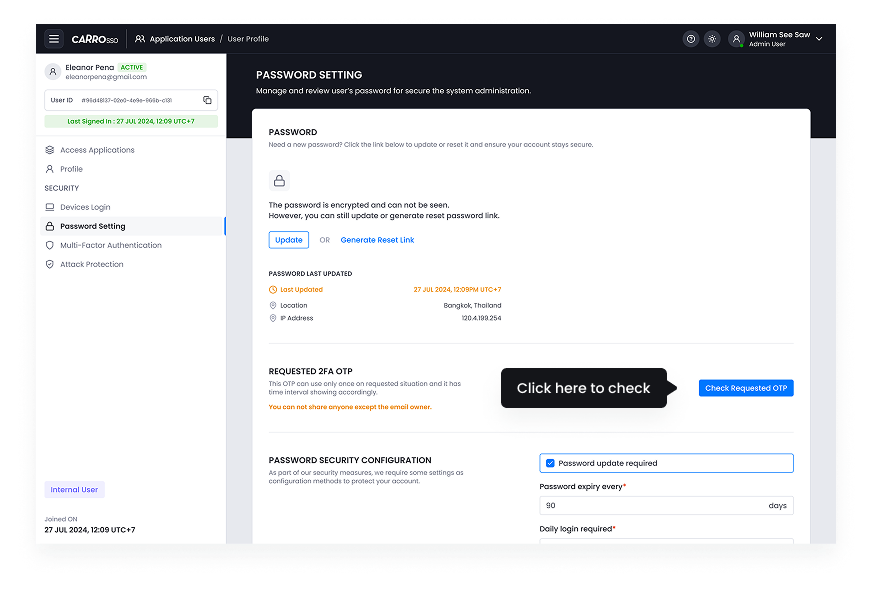
- Click check requested OTP button to see the OTP status.
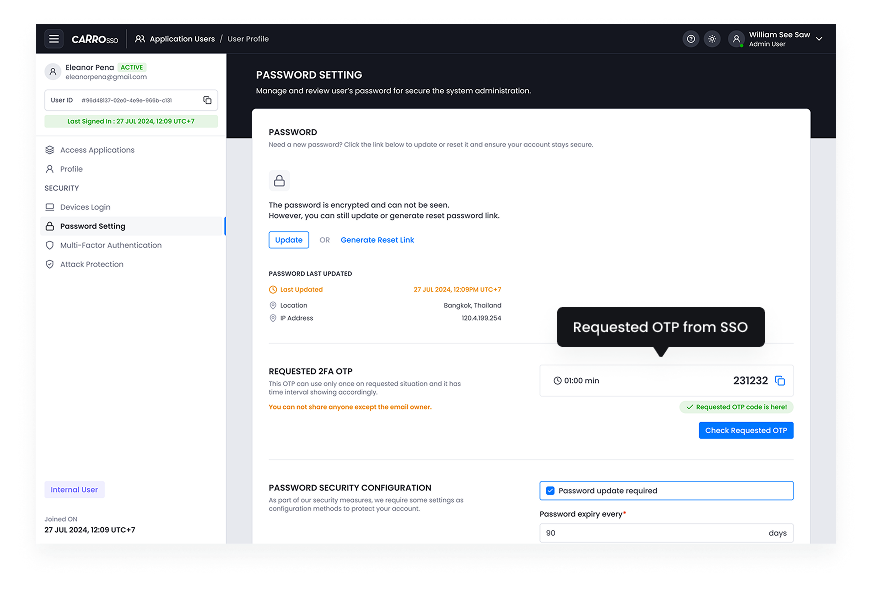
- Copy the OTP code.
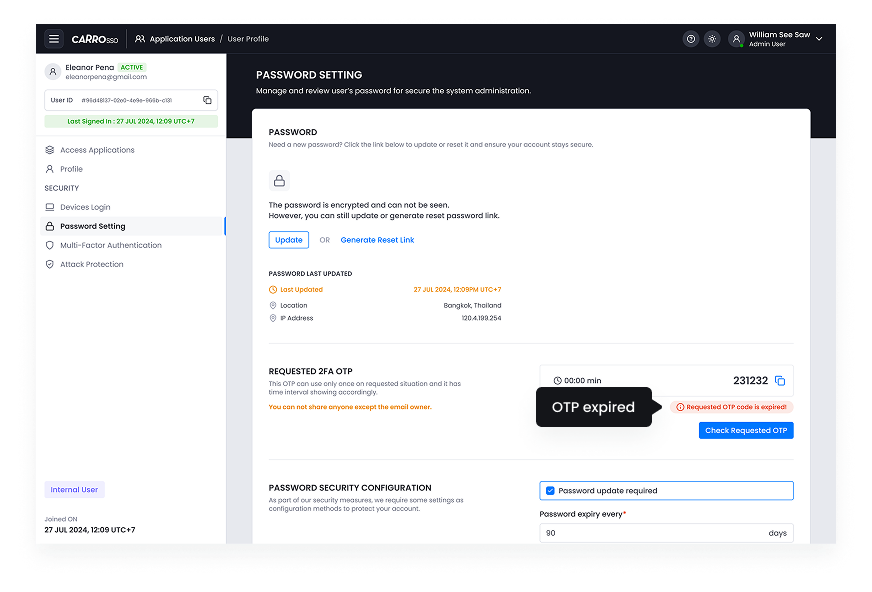
- There is OTP timeframe and this is the view of OTP expired.
- This is the view of No requested OTP