Appearance
Update password from dashboard
Users should regularly update their passwords to maintain security. The system allows users to change their passwords from their profile settings. Administrators can also enforce password updates by setting policies that require users to change their passwords upon their next login. Additionally, administrators can manually update user passwords if needed.
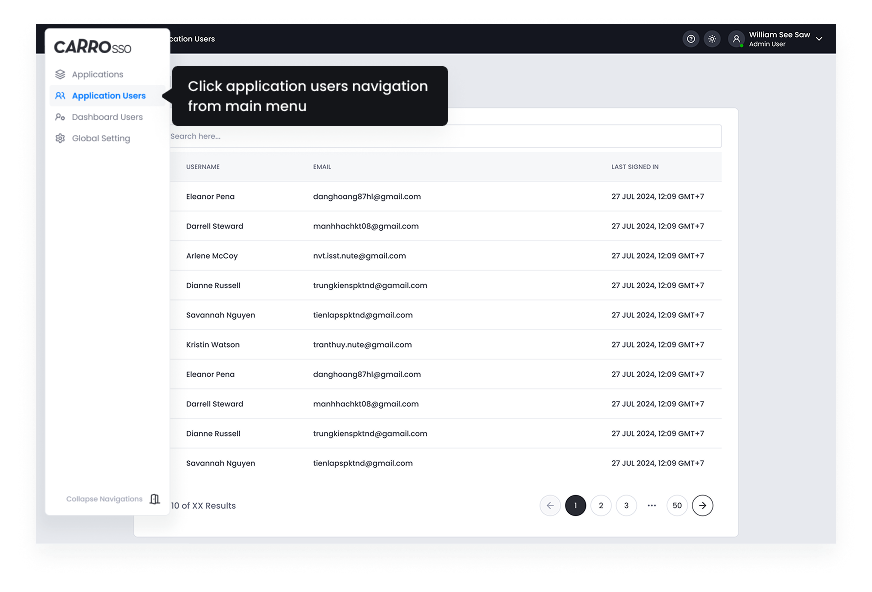
- Navigate to User Profile > Security Settings.
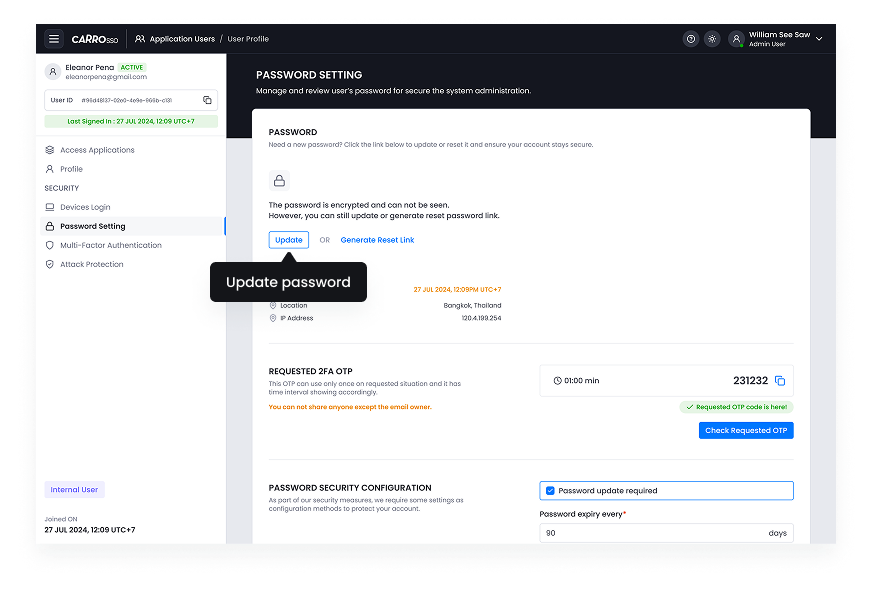
- Click on update password.
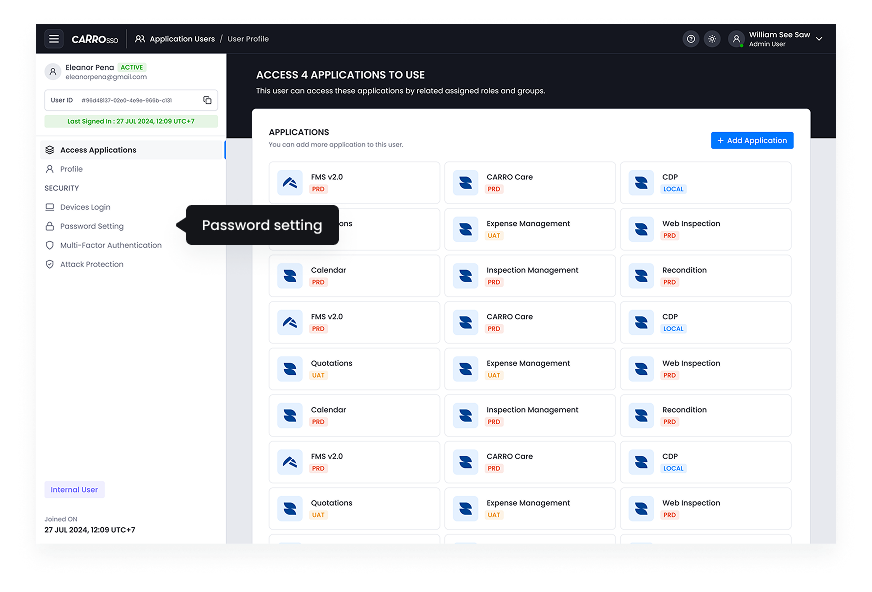
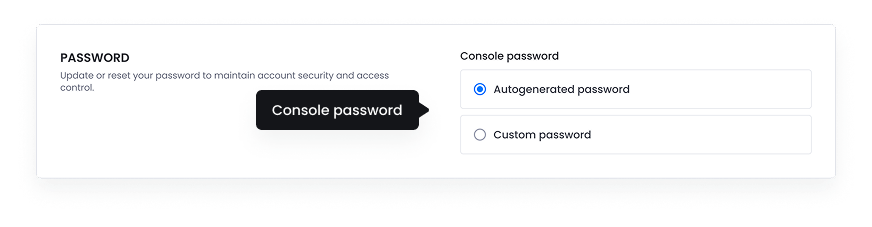
- Navigate to password setting.
- Click on update
- Console password method.
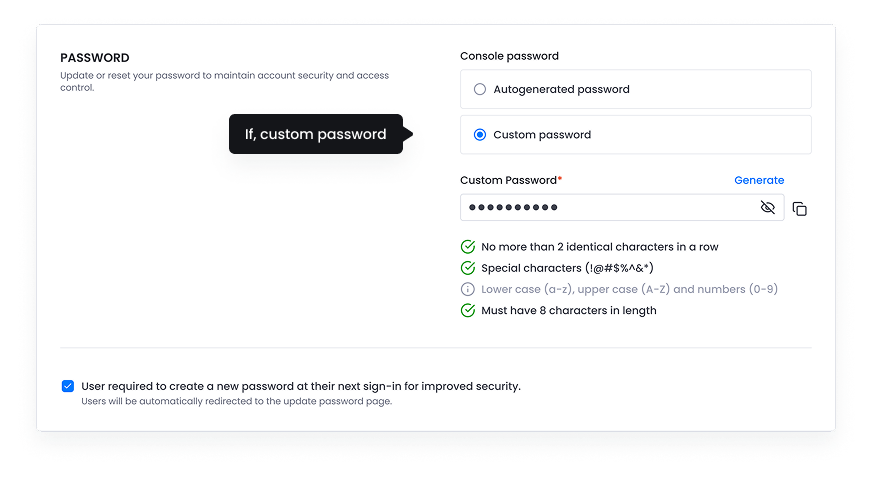
- If custom use, the password should be followed the password policy.
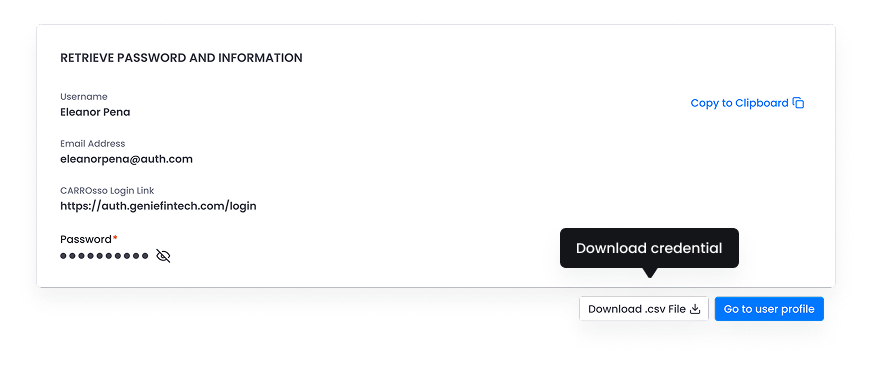
- Retrieve password and information.